
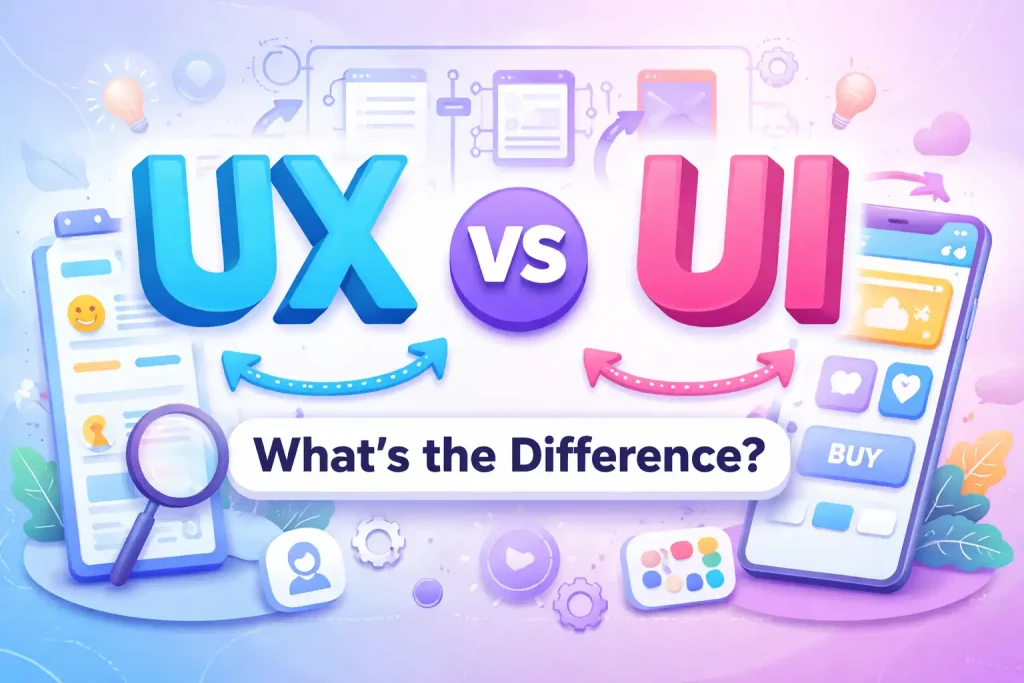
Introduction: The Secret Behind Apps We Love
Have you ever wondered what makes an app easy to use, or why a website just feels right? That isn’t magic—it’s the result of two specific design disciplines: UI (User Interface) and UX (User Experience). Though they sound similar and are often lumped together, UI and UX cover completely different aspects of the product creation process. UI is all about the look—the colors, buttons, and layouts. UX is all about the feel—how you interact with those elements to get things done. In this article, we’ll explore the real differences between UI and UX, why both are essential, and how they work together to create products we love. Whether you’re curious about a career in Design or just want to understand the apps you use every day, you’re in the right place.
What Do UI and UX Actually Mean?
Let’s strip away the jargon.
- UI stands for User Interface
- UX stands for User Experience While they work hand-in-hand, they focus on different layers of a product. Think of it like this: UI is the bridge. It’s what you see and touch. UX is the destination. It’s how you feel while crossing that bridge.
What Is UI Design?
UI Is About the Visuals
User Interface (UI) design focuses on the visual elements directly engaged by users. UI designers are the artists of the product world. They are responsible for creating appealing interfaces that are easy to use, emphasizing aesthetics and visual components like buttons, icons, and menus.
Key Features of UI Design
- Visual Elements: Using colors, typography, and images that are aesthetically pleasing and align with the brand identity.
- Interactivity: Designing how users click, swipe, and type into elements like buttons, sliders, and forms.
- Consistency: Ensuring the interface looks the same across all pages to improve usability.
- Responsiveness: Designing interfaces that work seamlessly on any device, from a massive desktop monitor to a small phone screen.
- Navigation: Creating clear guides that help users move through a product effortlessly.
- Accessibility: Ensuring colors, contrast, and text sizes are readable for users of all abilities.
What Is UX Design?
UX Is About the Journey
User Experience (UX) design revolves around creating a comprehensive user journey. It involves crafting experiences that deeply connect with users, encompassing branding, usability, functionality, and design. UX designers prioritize understanding users’ emotions to ensure a seamless interaction that leaves them satisfied.
Key Features of UX Design
- User Research: Gathering insights through surveys, interviews, and observations to truly understand needs and behaviors.
- Usability Testing: Putting the product in front of real users to find pain points before the product launches.
- Information Architecture: Organizing and labeling content so users can actually find what they are looking for.
- Wireframing and Prototyping: Creating simplified outlines (skeletons) to test ideas before spending time on full production.
- Interaction Design: Ensuring the logical flow of the app makes sense.
- Accessibility: Ensuring the functionality works for people with a wide range of abilities.
Difference Between UI and UX Design
Here is a clear breakdown of how these two disciplines differ in their approach and focus:
| Aspect | UX Design | UI Design |
| Look vs. Feel | Focuses on the feel and emotional satisfaction of the user. | Focuses on visual aesthetics and the “look” of the product. |
| Design vs. Prototyping | Creates wireframes to define flow and functionality. | Finalizes visual designs, mockups, and graphics. |
| High Level vs. Details | Focuses on the holistic journey and the big picture. | Focuses on individual elements and perfecting the details. |
| Research vs. Implementation | deeply involved in analysis, testing, and strategy. | Focuses on implementation—selecting fonts, colors, and layouts. |
| The Approach | User-centered: Prioritizes behaviors and needs. | Interface-centered: Prioritizes visual appeal and friendliness. |
| The Goal | Problem-Solving: Fixes user issues and pain points. | Visual Appeal: Creates pleasing, engaging designs. |
Export to Sheets
How to Become a UI/UX Designer?
Starting a career in UI/UX design is exciting and full of opportunities. If you are attracted to combining creativity with practical skills, this is the path for you. Here is how to get started:
- Learn the Basics: Understand what makes an app user-friendly versus just “pretty.”
- Get Educated: Consider a course or a design boot camp to build a solid foundation quickly.
- Practice: Don’t just read—do. Work on personal projects or internships.
- Build a Portfolio: You need to show off your work to get hired.
- Master the Tools: Get comfortable with industry standards like Adobe XD, Sketch, and Figma.
- Network: Connect with other designers online. It’s the best way to find new opportunities.
UI/UX Designer Salary
Is it worth it financially? The short answer is yes. Here is a summary of what you can expect to earn in the US market:
Average Salaries
- UI Designers: Average of $91,901 annually.
- UX Designers: Average of $94,614 annually.
Senior Positions
- Senior UI Designers: Can earn between $102,972 and $126,750.
- Senior UX Designers: Similar range, reflecting the high demand for experience.
Junior Positions
- Starting Salary: Entry-level roles for both UI and UX hover around $67,407. Note: Location, experience, and the specific company will always influence these numbers.
Conclusion
To sum up, both UI and UX design are crucial in web development. Each contributes unique aspects to creating exceptional digital experiences. Understanding the difference is vital for aspiring designers because, while similar, they require different mindsets. Whether you choose a path in UI (the visual artist) or UX (the strategic architect), both fields offer high demand and promising growth opportunities. So go ahead—dive into the dynamic world of UI/UX design armed with a solid understanding of these essential roles.