
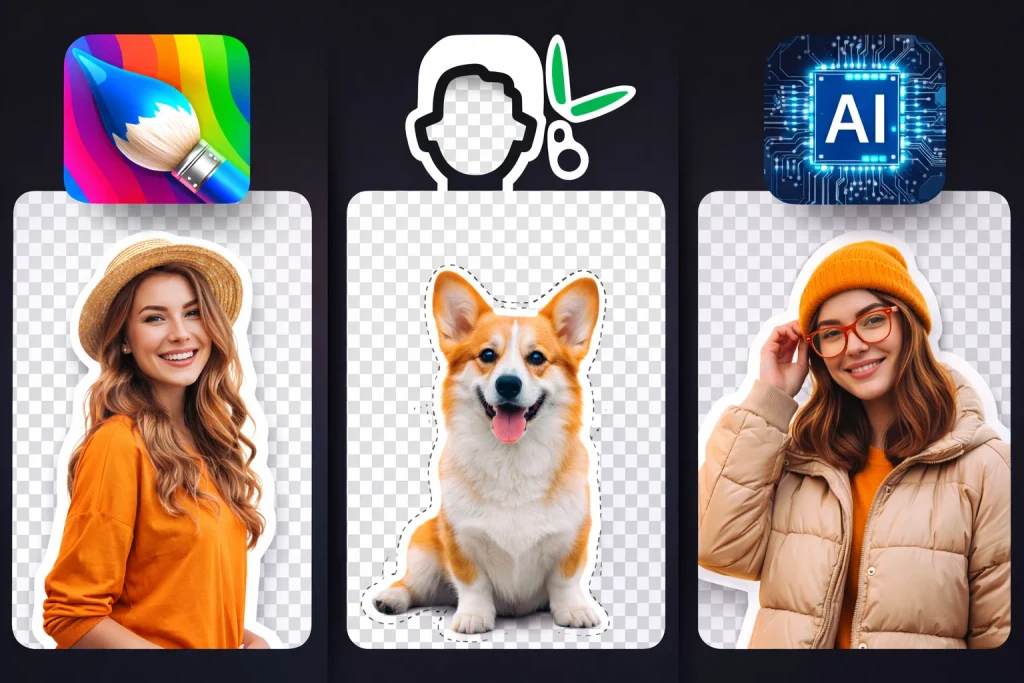
Removing image backgrounds is something every designer, marketer, and creator needs — especially when building social posts, UI mockups, thumbnails, product shots, or portfolio visuals. The best part? You don’t need Photoshop anymore.
In 2025, AI-powered background removers are faster, cleaner, and completely free to use.
In this guide by Row UI, we break down the Top 3 Free Background Removal Tools you can use right now for professional-quality results.
🥇 1. Remove.bg — The Classic & Most Reliable
Best for: Designers, e-commerce photos, thumbnails
Why it’s great: Remove.bg has been the industry leader for years. It uses smart AI to detect edges cleanly, even on hair, fur, and complex shapes.
Key Features
- Ultra-fast removal (1 second)
- Clean cutouts with accurate edge detection
- Free previews & downloads in standard resolution
- API available for automation
Pros
- Fastest processing in the market
- Very consistent results
- Works great for product shots + portraits
Cons
- High-resolution downloads require credits
- Slight loss of detail in free version
🥈 2. Adobe Express Background Remover — Best Quality for Free
Best for: High-quality exports, brand graphics, social media images
Why it’s great: Adobe Express offers surprisingly powerful AI background removal — and it’s completely free. You don’t need Photoshop or a paid Adobe plan.
Key Features
- High-quality free cutout downloads
- Built-in editor to add text, shadows, and effects
- Works well for social media content creation
- Very accurate on people and objects
Pros
- Free HD downloads
- Professional-level cutouts
- Easy to edit and refine
Cons
- Requires Adobe account login
- Slightly slower processing compared to Remove.bg
🥉 3. PhotoRoom Background Remover — Perfect for Creators & Online Sellers
Best for: Content creators, reels, product shots
Why it’s great: PhotoRoom is extremely popular among creators because it removes backgrounds with precision and allows you to instantly replace them with templates.
Key Features
- Good AI cutout quality
- Free background removal
- Templates for e-commerce, marketing, and social media
- Mobile app + web version
Pros
- Clean results even on tricky edges
- Built-in templates save time
- Mobile-friendly
Cons
- Some features are paid
- Occasional soft edges on intricate objects
⭐ Which Tool Should You Choose?
| Tool | Best For | Strength |
|---|---|---|
| Remove.bg | Fast editing, product photos | Most reliable & fastest |
| Adobe Express | High-quality images | Best free HD export |
| PhotoRoom | Creators, product shots | Great templates & mobile app |
🔥 Final Thoughts
If you’re a designer or creator in 2025, these three tools should be in your workflow. Whether you want speed, quality, or creative templates — each of these background removers gets the job done for free.
At Row UI, we help designers stay updated with modern tools, design trends, and guides to create stunning visuals with ease.
#Design#UI#Tutorial#Tech#Row UI